Event automation
For administrators who can configure rules, dry-run them, and read run history and audit records. The backend event-automation module, its dependencies, and game callbacks must be enabled; the MVP rule entry accepts only
PlayerJoined,PlayerLeft,ChatMessage, andCron.
Purpose
Automate messages, rewards, or constrained commands within controlled trigger and action boundaries, using cooldowns, first-join state, run logs, and audit records to prevent repeats and untraceable changes.
Before you begin
- Read the live-server checklist in
docs/event-automation-validation.mdand prepare dedicated test rules and disposable test data. - Enable Event automation. Enable Economy when using economy actions; configure Discord integration and named webhook targets when using Discord actions or failure alerts.
- Confirm the account can validate rules, run a dry run, read run history, and read audit logs. Do not put real tokens, webhook URLs, or unnecessary player identifiers in rules, conditions, or test data.
{
  "triggerType": "ChatMessage",
  "conditions": {
    "messageContains": "ea-ok",
    "cooldownSeconds": 30,
    "cooldownScope": "RulePlayer"
  },
  "actions": [
    {
      "type": "SendPrivateMessage",
      "target": "TriggerPlayer",
      "message": "Welcome, {playerName}!"
    }
  ]
}
Procedure
Rules
- Open Rules and confirm that the trigger selector contains only
PlayerJoined,PlayerLeft,ChatMessage, andCron. Start with a template or the readable Builder, then inspect the generated conditions and actions JSON. - For
ChatMessage, choosechatType,messageContains,messageStartsWith, ormessageEquals, and enableignoreCasewhen needed. For player events, set player ID/name conditions. ForCron, provide bothcronExpressionandtimeZoneId, and decide whether concurrent runs are allowed. - Add
cooldownSeconds(1 through 86400) andcooldownScope(RulePlayerorRule) to rules that can repeat. The former isolates by rule and player; the latter isolates the whole rule. Test with a short cooldown before widening the window. - Use
firstJoinOnlyonly withPlayerJoined. Have a test player join once, verify one execution, then join again and verify that first-join state blocks the repeat; do not substitute rule deletion for this state check. - Validate and dry-run before saving, then read the match result and action summary. When an enabled rule contains
KickPlayer,MutePlayer, orExecuteConsoleCommand, the confirmation dialog, explicit action permission fields, and backend validation must all pass. A console action also requires a non-emptyallowedCommandsprefix list; dangerous prefixes requireallowUnsafe=true. - Save and watch enabled state, last match time, and last status in the table. For a controlled failure, let a
ChatMessagematchea-failand send to a disabled or nonexistent Discord target; never use a real channel or credential.
Run history
- Filter Run history by rule ID, trigger type, success, and time range. When entering from the recent-failures panel, keep the rule and failed filters.
- Open a detail for a persisted run and check rule name, trigger, player when present, start/end time, duration, status, summary, error message, and
detailsJson. Distinguish condition matching, cooldown/first-join state, and action errors; a cooldown or first-join suppression can return without a run-history row. - The controlled failure should produce a failed row, increase today's failure count, and appear as the recent failed rule. When Discord failure alerts are enabled, an alert should reach the configured target; an alert failure does not turn the original rule run into a success.
- After testing, preview the test-run cleanup and confirm the count before deleting. When cleaning expired runs by retention, keep formal business evidence separately.
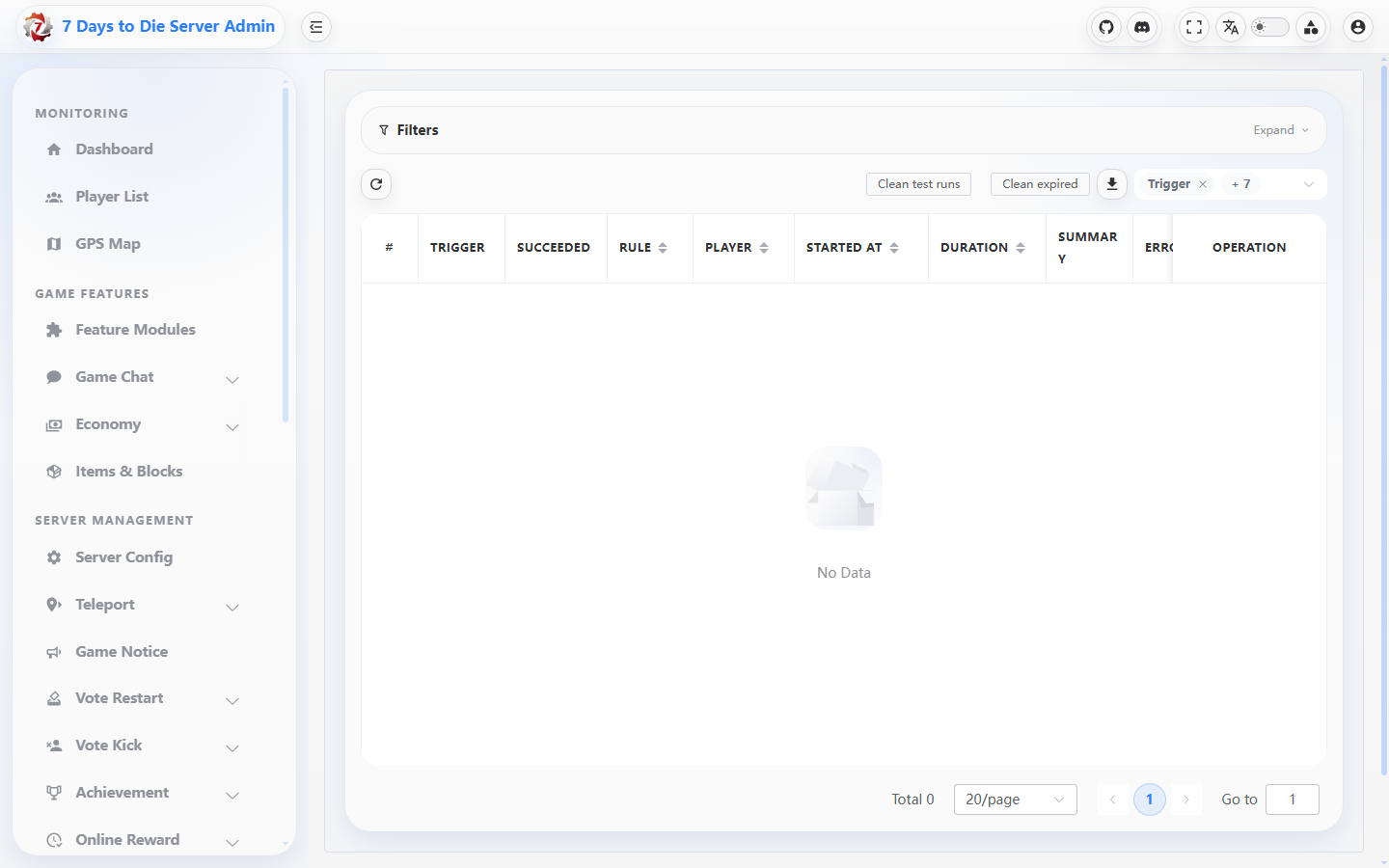
The run-history table is shown without rules or execution records.
Settings
- Enable or disable Event automation and set
HistoryRetentionDaysin Settings. Disabling the module stops rule execution but does not delete rule configuration. - Save and reload Settings, confirming enablement and retention. Validate Economy, Discord, and other dependencies in their own settings pages.
- In Discord integration settings, enable event-automation failure alerts, choose a safe target key, and enter a message template without secrets. Also confirm that event automation is allowed to send Discord messages and that the target webhook is usable.
Verify the result
- The rule editor and API validation accept only the four MVP triggers; dry-run returns a match result and action summary, and the saved table state matches Settings.
- During a cooldown window, a second trigger suppresses the action; compare the available
lastTriggeredAt/elapsed age with configuredcooldownSeconds, and confirm the next eligible trigger. A first-join test runs once for the same player. Suppressed cooldown/first-join triggers may return before a run-history row/status is written. - The controlled failure has a failed run, error summary, and expandable details; today's failure count, the recent-failure link, and the Discord alert (when enabled) agree.
- High-risk action flags, confirmation, backend security validation, and audit records are all present; a rejected action is an audit fact as well.
Limits and safety notes
WARNING
Event callbacks can be high frequency. Cooldown is required to prevent spam and duplicate rewards, but it is not a permission boundary. Unknown condition keys produce warnings and are ignored; a disabled or invalid dependency makes the run fail and writes history.
DANGER
Before enabling kick, mute, or console actions, complete the confirmation, least-privilege allow-list, and audit checks. ExecuteConsoleCommand may use only allowed prefixes, and dangerous commands require explicit safety confirmation. Keep webhook URLs, bot tokens, player IDs, and internal paths in protected configuration only.
- The MVP trigger set is fixed to
PlayerJoined,PlayerLeft,ChatMessage, andCron. Do not put an unlisted trigger in a new rule or validation script.