Economy
For authenticated economy administrators. The backend, the Economy module, and any dependent Game Items or reward-package data must be available; balance, shop, reward, and code writes require the relevant management permission.
Purpose
Manage the economy from overview through accounts, transactions, settings, shop products, reward packages, and redeem codes. Keep route-linked sections stable so an operator can review a change from its resulting record.
Before you begin
- Confirm Economy is enabled in Feature Modules and resolve configuration warnings before changing balances or prices.
- Use a stable Player ID, not only a display name, when selecting an account. Record the reason and intended amount before an adjustment or deletion.
- Confirm the currency, shop stock policy, reward package IDs, and code expiry/usage policy with the server owner.
Procedure
Overview
- Open Overview to read account count, total circulation, today's transaction/reward/tax counters, daily claims, and the leaderboard. Use these values as a baseline for the change.
Accounts
- In Accounts, search by Player ID/name or frozen state. Open the detail view, then adjust or batch-adjust only the confirmed account. Freeze/unfreeze or delete an account only after reading the confirmation and documenting the reason.
Transactions
- In Transactions, filter by player, type, source, and time, open a detail row, and export the same filtered set when an incident review needs a durable copy. Check signed amount, balance-after, source, operator, and UTC timestamp.
Settings
- In Settings, edit the currency identity, default balance, transfers/tax, daily and event rewards, penalty options, shop switch, leaderboard size, messages, and command names/aliases. Save once, then reload the page to confirm the persisted values.
Shop
- In Shop, create or edit a product as either a
GameItemorRewardPackage. For a game item, verifyItemName, count, price, quality rules, and enabled state. For a package product, select an existing reward-package ID and do not duplicate its payload in the shop row. - Treat
StockLimitas a global unit cap: a positive value limits the total item units sold to all players, while0means unlimited. CompareSoldCountand the remaining units before enabling a scarce product; quantity and batch purchases consume the same global counter.
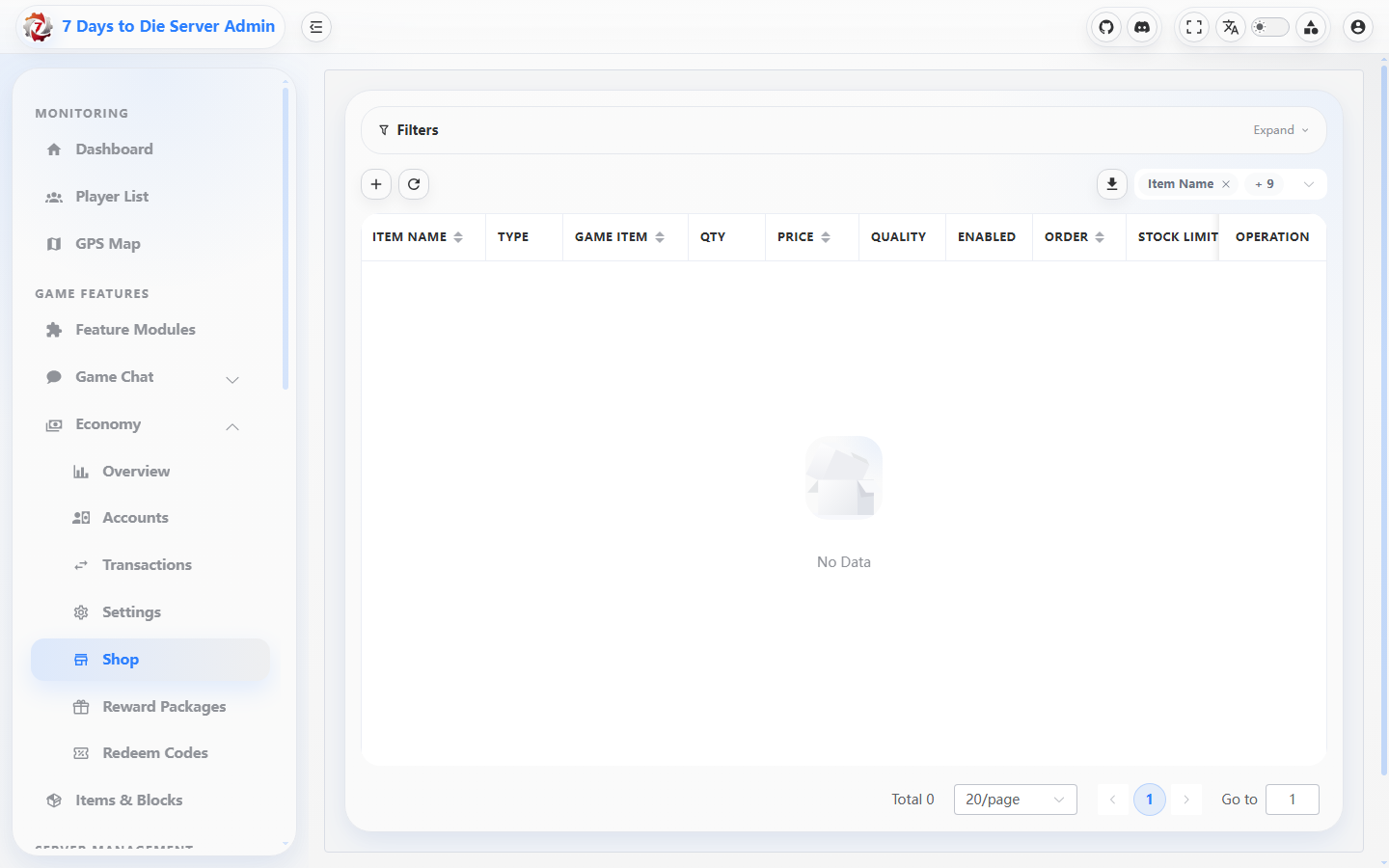
The screenshot shows the empty shop list and its management columns; no product or purchase data was available.
Reward packages
- In Reward packages, create or edit the stable package key/name and ordered entries (
GameItem,EconomyCurrency, or restrictedConsoleCommand). Validate each JSON payload, enable only tested entries, and note the package ID/key used by a shop row or redeem code.
Redeem codes
- In Redeem codes, create a code with an amount, optional package ID, optional command rewards, maximum uses, and expiry. After creation, reload the list and open redemption history; after a player redeems it, compare the redemption row with the resulting economy transaction and package delivery.
Verify the result
- The changed route reloads with the intended persisted value, ID, enabled state, and updated timestamp.
- An account adjustment, purchase, reward-package execution, or code redemption has a corresponding transaction or redemption record with the expected player and amount.
- For a shop write,
SoldCount,StockLimit, remaining global units, and the product type are consistent; for a package reference, the referenced package is enabled and its entries are the ones tested.
Limits and safety notes
WARNING
Transaction timestamps are UTC in the management table. A zero stock limit is unlimited, not zero stock. Deleting an account or product may remove management data while game-side effects and prior transaction records remain; prefer disabling when the goal is to stop new use.
DANGER
Balance adjustments, reward execution, command rewards, code creation, and shop purchases can grant real player value. Use least privilege, a maintenance/incident window, explicit reasons, and post-write verification. Never place live redeem codes, tokens, or private player data in documentation or screenshots.