Players and the hidden Player Profile
For administrators with player-query or management permissions. Requires a reachable backend; Kick, Ban, Mute, item grants, profile reset, and teleport also require their relevant permissions and can create audit records. Player Profile is a hidden detail route opened from Player List, chat, game events, or another player link.
Purpose
Select the correct person by stable identity, distinguish online state from history, and investigate activity, assets/inventory, tracking, and governance details. This is not a player self-service guide.
Before you begin
- Confirm Player List and the modules used for tracking, inventory, and land-claim data are enabled.
- Prepare a stable Player ID or platform ID for identity checks; a display name or Entity ID alone is not sufficient.
- Have a maintenance window and rollback or audit plan before any disruptive action.
Procedure
Player List workflow
- Open Online Players for current entity, level, game stage, kills/deaths, IP, ping, position, skill points, platform ID, stable Player ID, and permission level. A name search is only a start; confirm the stable Player ID or platform ID because Entity ID can change after reconnecting.
- Open History Players for offline players and last activity. Cross-check time, name, and ID with chat or event records.
- Use Land Claim Containers when investigating land storage. It shows containers associated with player claims in areas the backend can currently read or has loaded; an empty or failed load is not proof that no container exists.
- Select the name or Player Profile action to open the hidden profile. Confirm identity, online state, and loaded-at time before any action.
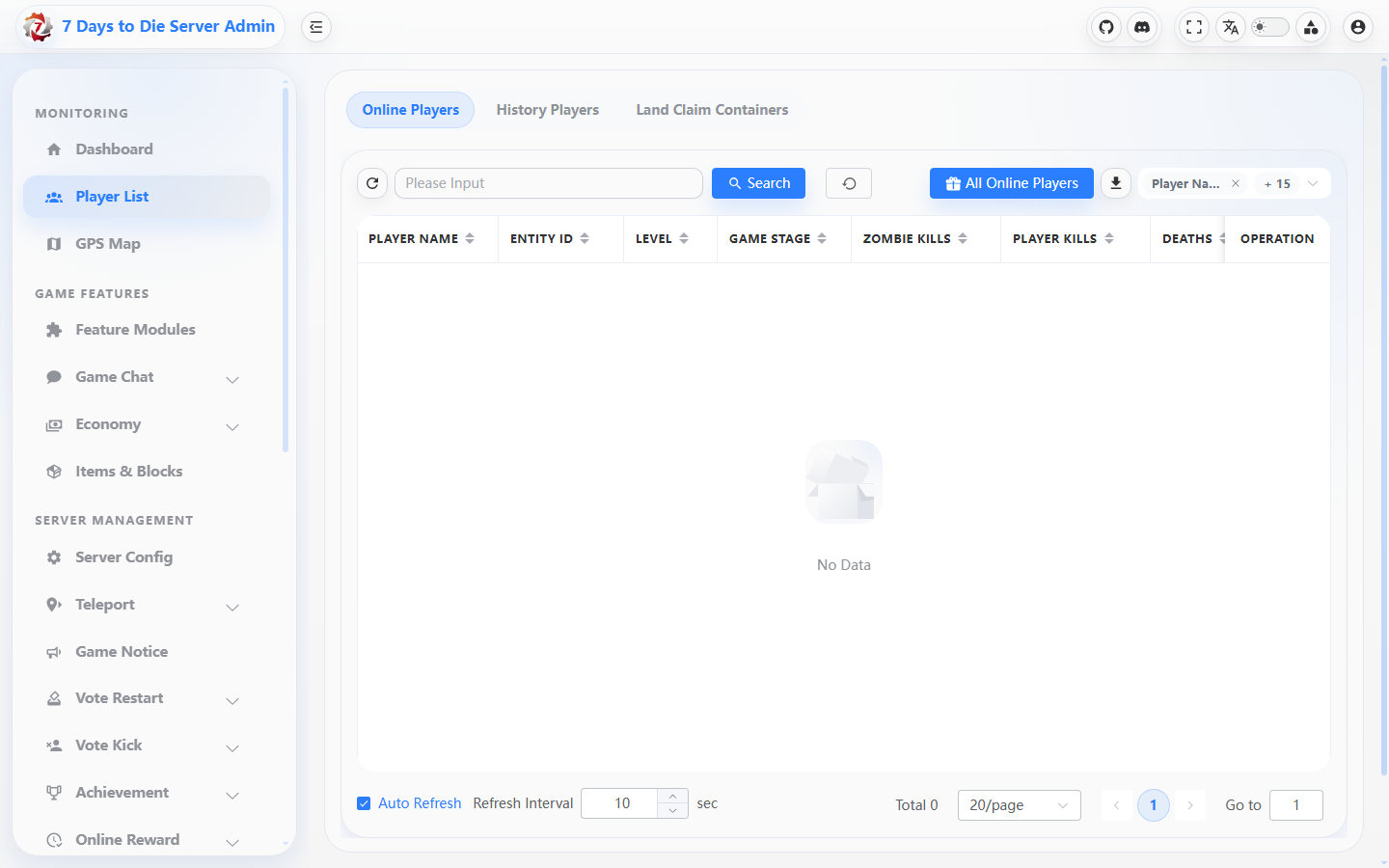
The test console's empty Player List shows the list layout and operation column without exposing an account.
Player Profile details
- Overview: basic information, progress, access/moderation state, asset summary, and recent game events/chat.
- Activity: Login, Joined, Left, Chat, Death, Kill, Location, Inventory, and Session events by time. Use it to answer what happened and when.
- Assets / inventory: inventory, vehicles, land-claim containers, and assets. The Inventory dialog from Online Players is a current view; Inventory Snapshots/Inventory Diff in the profile are tracking records and must not be treated as the current bag.
- Tracking: sessions, location samples, tracks, inventory snapshots, and region searches. Player Tracking must be enabled and the query may need time range, minimum distance, or GPS map context.
- Governance / Audit: punishment history, administrator actions, and failure counts. Audit records an administrator/system action on a resource; Activity records player/game events. They answer different questions.
Verify the result
- Player ID, platform ID, display name, and Entity ID match in the selected profile; the stable ID finds the same person after a reconnect.
- Activity timeline entries correspond to Chat History/Game Event Logs, and an audit row identifies operator, action, and result for a management action.
- Tracking shows an explicit data range; opening GPS from a track or region result preserves the player identity and map center.
Limits and safety notes
WARNING
IP, inventory, location, and punishment details are sensitive operational data. Sanitize screenshots, exports, and shared links.
DANGER
Kick/Ban/Mute, item grants, teleport, claim removal, and native-profile reset can be irreversible or disruptive. Reset handles an online player first and moves native save files to a backup location, but it does not automatically clear plugin data; read the confirmation and retain the audit record.
- Activity, tracking, and inventory snapshots depend on enabled modules, collection timing, and readable areas. Missing data does not prove that a player never acted.