Scheduler
For administrators who can configure, run, and review scheduled commands. The backend scheduler module must be enabled and able to reach the game process; each task is registered as its own backend cron job.
Purpose
Run console commands in order from auditable cron tasks, keep read-only checks separate from state changes, and diagnose failures from run history.
Before you begin
- Confirm that the account can create, edit, run manually, and delete tasks, and can read run history.
- Decide each task's command boundary, game-start dependency, execution thread, and concurrency policy. The scheduler sends saved strings as commands; it is not a script sandbox.
- Set an explicit time zone per task. When the global default is used, record that default and the server-local fallback as well.
Read-only: help
Mutating: saveworld
Procedure
Tasks
- Open Tasks and check module enablement, each task's
Enabled,Cron expression,TimeZoneId, last status, and next run. The next-run value is a hint, not a replacement for the saved cron and time zone. - Create or edit a
Console Commandstask with a unique name, description, enabled state, cron, and time zone, then add commands in order. Commands in one task share execution options and run one by one. - Keep query commands such as
helpseparate from commands that mutate the world, players, or configuration. Put only commands allowed by the account and backend policy in a task;saveworld, player kicks, and setting commands require a maintenance window, backup, and rollback plan. - Choose
ExecuteOnMainThread,RequireGameStartDone,CaptureOutput, andAllowConcurrentExecutiondeliberately. With the game not fully started,RequireGameStartDonerecords a persistedSkippedrun; with concurrency disabled, a new cron trigger can be suppressed while the prior run is still active and may not create a history row. - Save, then use the play action to run once. Re-check the task name and command target in the confirmation dialog; before deleting a task, review its history and preserve any required audit evidence.
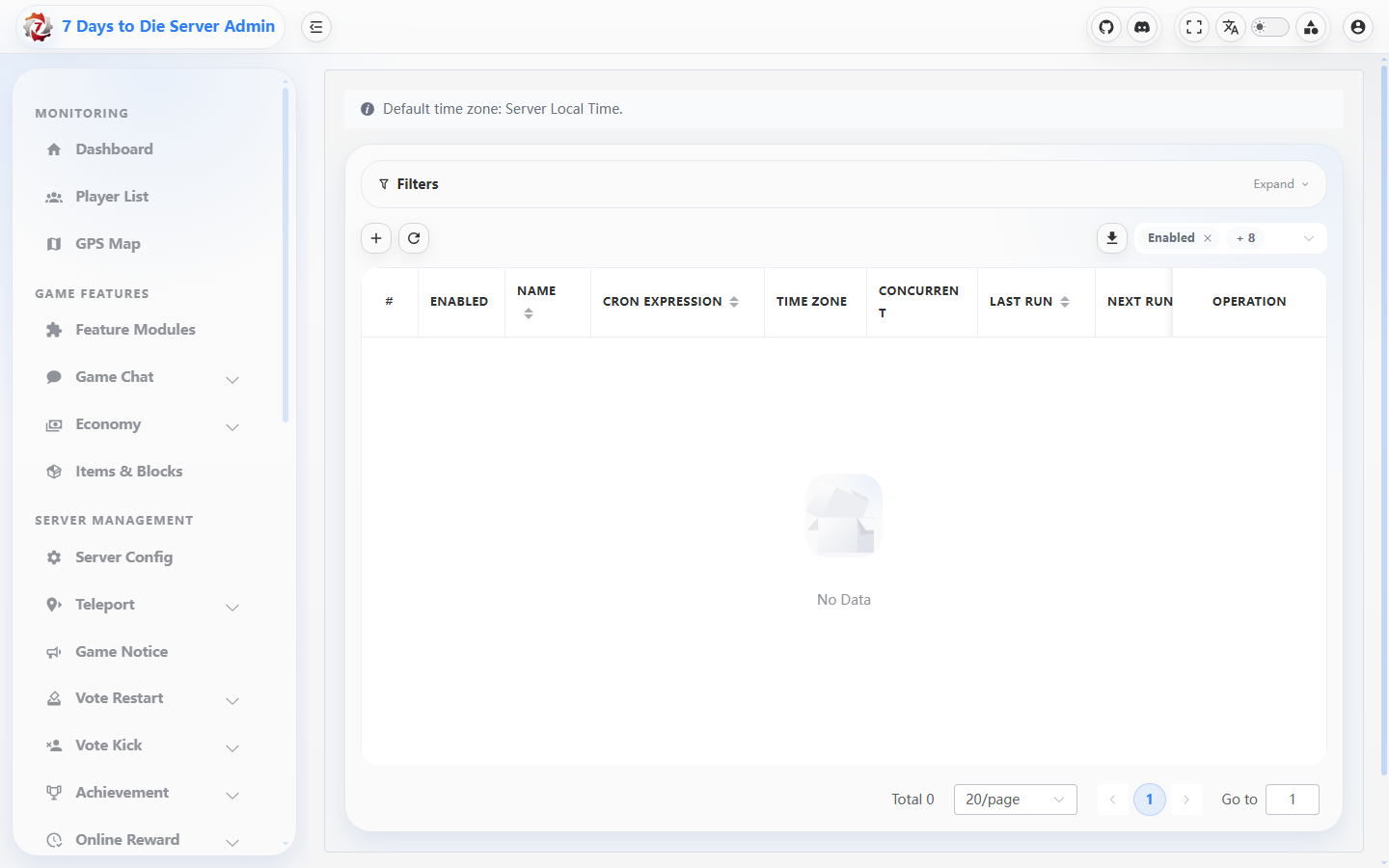
The Scheduler list shows its table layout and create control; no task or next-run record was available for capture.
History
- Filter by task type
ConsoleCommands, trigger sourceCron/Manual, success, and time range to find persisted runs. With concurrency disabled, an overlap may be silently suppressed while the prior run is active, leaving no history row; verify that the task remains enabled and its cron/time-zone configuration is correct, wait for the next eligible run, and use the availableLastRunor history once a callback is admitted. - Open details and inspect
Status,Summary,ErrorMessage, captured output, start/end time, duration, operator, and source IP. For a failure, map the error back to the individual command instead of relying on the task row's last status. - Triage in this order: task and module enabled, valid cron, correct task time zone, game started, command inside the allowed boundary, no concurrency overlap suppression or startup skip, and dependent module response.
- For a state-changing task, compare the result with audit and game logs.
Successmeans the execution chain caught no error; it does not guarantee the desired business outcome.
Settings
- Enable or disable the scheduler module in Settings. When disabled, no task is registered.
- Set
DefaultTimeZoneIdandDefaultAllowConcurrentExecution. An explicit task time zone wins; the default concurrency value only pre-fills new tasks and does not overwrite existing tasks. - Set
HistoryRetentionDaysand, when needed, enable failure broadcasts. The failure message supports{taskName}and{error}; do not put player privacy, tokens, or internal paths in a broadcast template. - Save and reload Settings, then use one read-only task to verify the default time zone, history, and failure-notice configuration.
Verify the result
- Tasks shows enabled state, cron, time zone, last status, and next run; an explicit task time zone is visibly distinct from the Settings default.
- A read-only task produces a
Successhistory row with the expected output; a controlled state-changing task produces the matching audit row and completes inside the maintenance window. - After a deliberately controlled invalid command, History shows
Failedand itsErrorMessageor details identifies the command. An incomplete startup withRequireGameStartDonepersists aSkippedreason; a concurrency conflict may be silently suppressed before execution and leave no history row, so verify that the task remains enabled and its cron/time-zone configuration is correct, wait for the next eligible run, and use the availableLastRunor history once a callback is admitted.
Limits and safety notes
WARNING
The scheduler calls the game console directly from the backend and runs commands in order. Permission and the console policy define the allowed command boundary; a task row does not make an arbitrary command safe. ExecuteOnMainThread can occupy the game main thread, and CaptureOutput can persist command output in history.
DANGER
Save, kick, ban, item-grant, teleport, and configuration commands mutate live state. Validate the target with a read-only command first and run during a maintenance window; never put player IDs, paths, or credentials from command parameters into public docs or broadcasts.
- History retention prunes old rows automatically. Export audit records for long-term retention before deleting tasks or backups.